

iam
-
Posts
38 -
Joined
-
Last visited
-
Days Won
12
Posts posted by iam
-
-
Guten Tag,
ich habe gerade gemerkt, dass mein System keine Sicherung der Kundendaten erstellt.
Ich kann mit der Fehlermeldung leider so wenig anfangen:SECURITY CHECK FAILED! The execute string 'mysqldump -u 'daemon' -p***** web*sql* > /var/www/web*/******.eu/backup/.tmp/mysql/web*sql*_202011130638.sql' is a possible security risk! Please check your whole server for security problems by hand!Wie ist die Aussage dahinter zu verstehen, wo klemmt es?
Viele Grüße -
Ich danke dir! =)
-
Hallo,
leider gibt es immer noch einen Bug beim entfernen von E-Mail-Adressen...

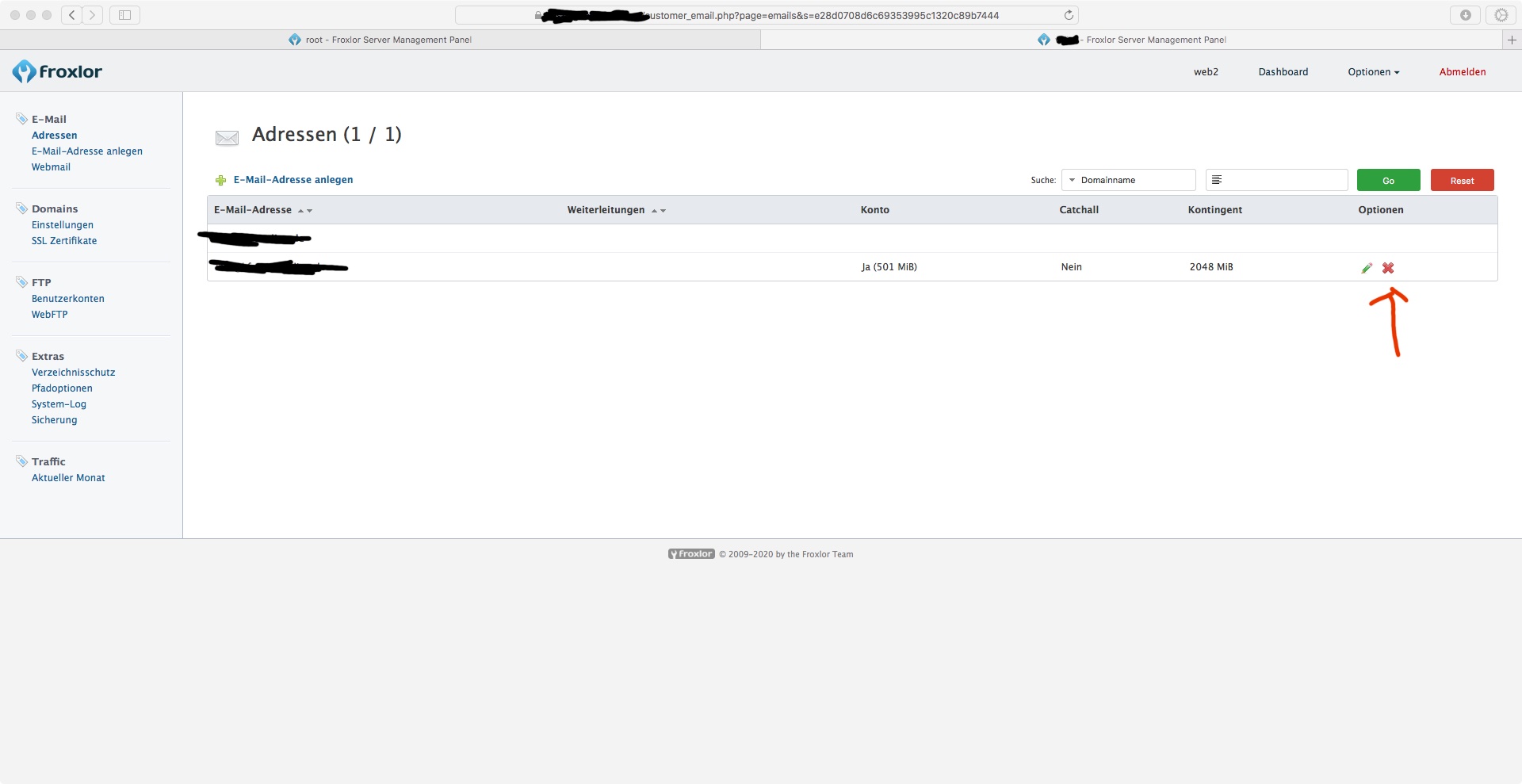
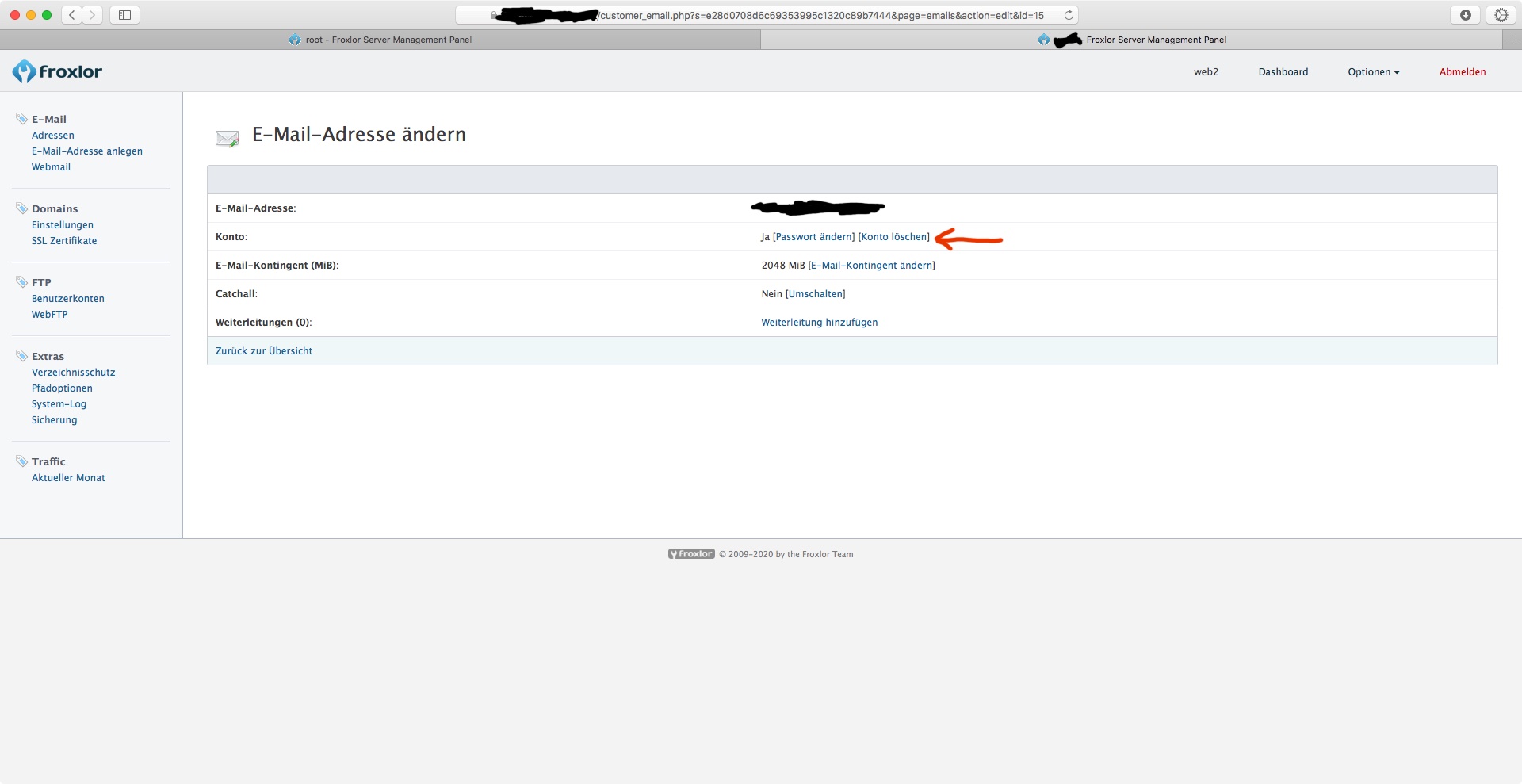
Auf diesem Bild funktionier nur das löschen der E-Mail-Adresse, allerdings nicht der Daten auf dem Dateisystem, trotz ausgewählter Checkbox.
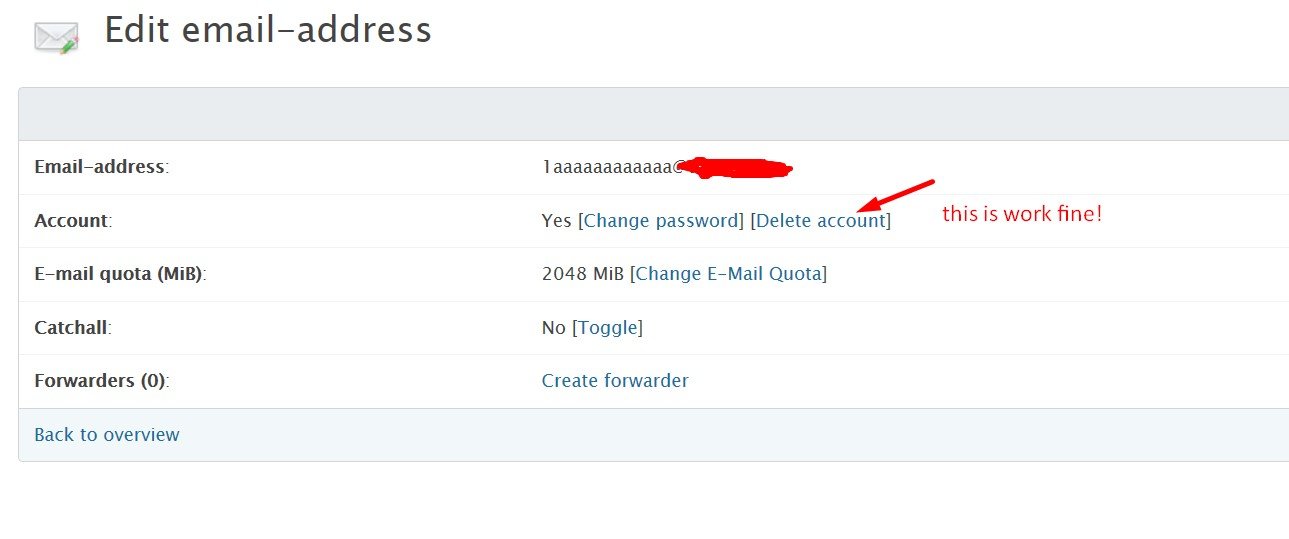
Auf diesem Bild funktioniert das löschen der E-Mail-Adresse samt Daten auf dem Dateisystem.
#######
Es ist immer recht ärgerlich, manuell die Daten von dem Dateisystem zu löschen zu müssen. =)
Viele Grüße,
IAM -
On 6/28/2019 at 3:40 PM, Brayan said:
Hi again,
i check now, see next screenshots:
May be you test only delete account, not whole email address with checkbox - delete files...
When delete whole address with confirm checkbox delete files from file system - is not work. The variable $delete_userfiles is 0
I have the exact same problem.
0.10.17 (DB: 202005150)

Backup - SECURITY CHECK FAILED!
in German / Deutsch
Posted
In der Tat enthält der angegebene MySQL User einige dieser Sonderzeichen...
Danke für die Hilfe, da muss man erstmal drauf kommen. 😅
Viele Grüße